Medical Alert Devices: A Consumer Checklist
Disclosure: This page contains affiliate links. If you buy through them we may earn a commission at no extra cost to you. As an Amazon Associate I earn from qualifying purchases. Details.
Not medical advice: whether someone needs a medical alert device, and which features matter for their health, is a question for them and their health professionals. This page covers only the consumer side: how the services work, what they cost, and the contract questions to ask.
Medical alert devices, sometimes called personal emergency response systems, let someone press a button (or, on some models, trigger an alert automatically) to reach a monitoring center or family members. They're sold as a device plus, usually, a service plan. That makes them more like a phone contract than a one-time gift, so comparing the fine print matters.
We haven't tested any of these services and don't rank them. Use the checklist below to compare the ones you're considering.
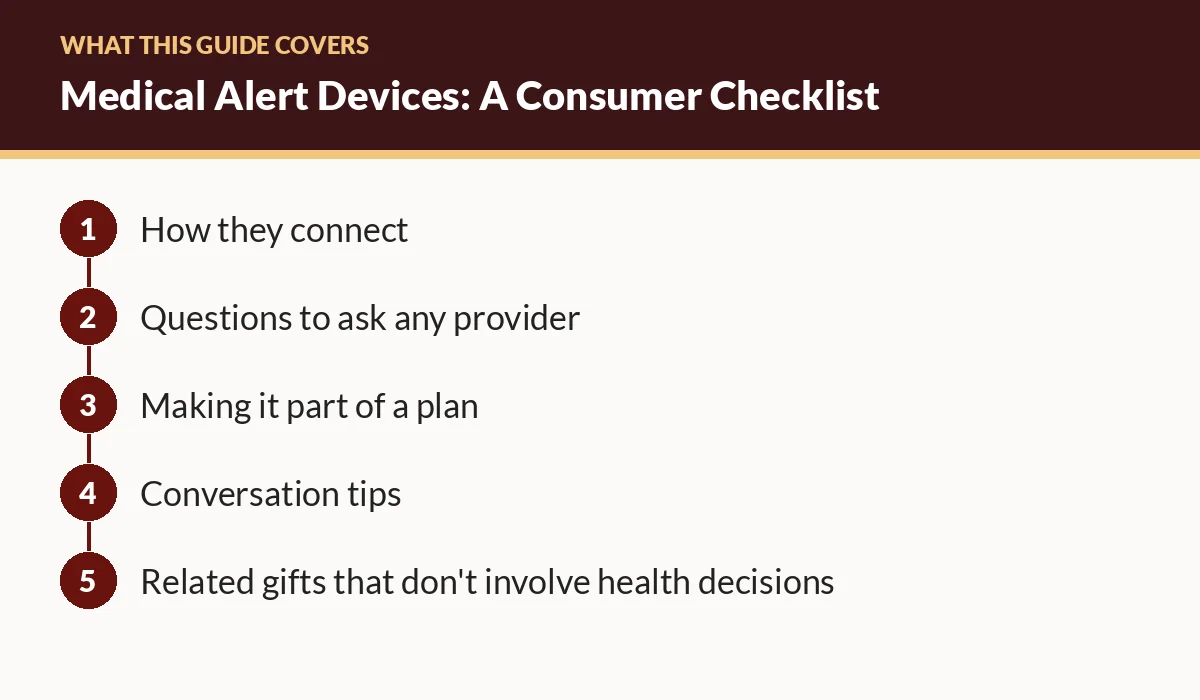
How they connect
| Type | How it works | Consider |
|---|---|---|
| In-home base station | A pendant or wristband talks to a base in the home | Range limits; works only at home |
| Mobile (cellular) | Device connects over a cellular network | Check coverage where they live and go; charging needs |
| Smartwatch or phone features | Built-in emergency calling on consumer devices | Requires wearing and charging; less hands-on support |
Questions to ask any provider
Cost and contract
- What's the upfront equipment cost, and is equipment bought or leased?
- What's the monthly fee, and what does it include?
- Is there a contract term? What are the cancellation terms and fees?
- Is there a trial or return period?
- Are add-ons (such as automatic detection features or a lockbox) extra?
Monitoring
- Who answers alerts: a professional monitoring center, family members, or both?
- Is monitoring available around the clock?
- What happens step by step after a button press? Who gets called, and in what order?
- Can the person speak to the operator through the device?
The device
- Is it waterproof or water-resistant for use in the shower? (Many falls happen at home; ask where the device can be worn.)
- What's the battery life, and how is it charged? How does it warn about a low battery?
- What's the range from the base station (for in-home units)?
- Is the button easy to press for someone with arthritis or limited dexterity?
- Is the speaker loud and clear for someone with hearing loss?
Practical
- Does it work where your parent spends time: home, yard, car, a relative's house?
- How do you test it, and how often should you?
- Who do you call for tech support?
Making it part of a plan
Ready.gov's preparedness guide for older adults recommends building a support network of family, friends, and neighbors, making sure at least one person has a spare key, and planning for assistive devices, batteries, and chargers. A medical alert device works best inside a plan like that. Give the provider accurate contact and access information, and test the system together.
Conversation tips
- Lead with independence: frame it as a way to stay at home confidently, not as a sign of decline.
- Involve them in choosing. People wear what they picked.
- Agree on testing. A monthly test call keeps everyone confident it works.
Related gifts that don't involve health decisions
- An easy phone with emergency contacts set up: see our phone guide.
- A smart speaker that can call family by voice: see the gift guide. Smart speakers → Amazon
- Night lights and motion-sensor lights for hallways. Motion-sensor night lights → Amazon
FAQ
Do I need a medical alert device for my parent?
That's a decision for your parent, ideally with their doctor or care team. This page only covers the consumer questions to ask once you're comparing options.
Do medical alert devices work without a landline?
Many connect over cellular networks; some use a home base with a landline or internet. Check coverage where your parent lives and spends time.
Can a smartphone or smartwatch replace a medical alert device?
Some phones and watches offer emergency calling features. Whether that's enough depends on the person's needs and whether they'll wear and charge it. Discuss it with their care team.
Related guides
- Best Tech Gifts for Elderly Parents: A Decision Guide
- Easiest Phones and Tablets for Seniors: What to Look For
- Video-Call Setup Guide for Grandparents